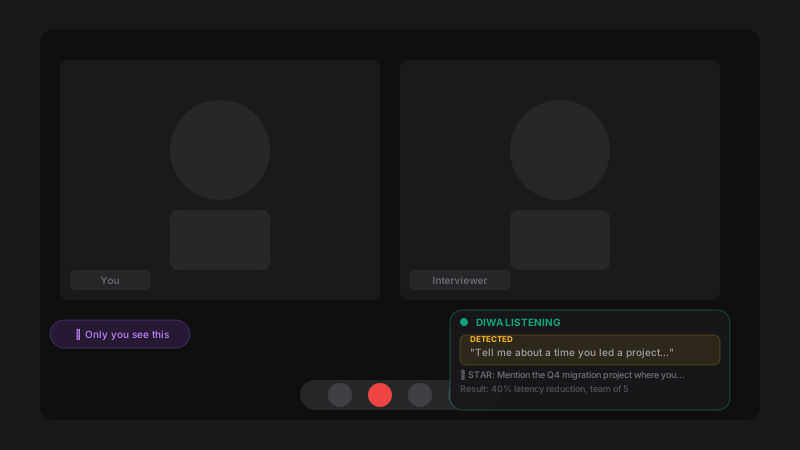
Native audio capture. Ghost overlay only you see. Free beta now, then a one-time purchase. Works in Zoom, Teams, Slack, and any desktop app.
A native desktop copilot engineered for privacy, speed, and zero setup.
Works where browser extensions fail. Zoom, Teams, Slack, Discord—any desktop app. Native OS audio capture with zero setup.
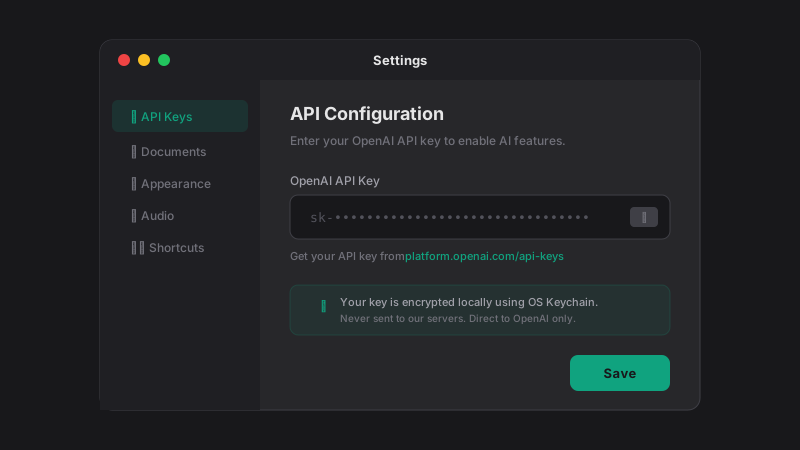
Bring your own key. No account. No cloud uploads. No analytics. Your API key is encrypted locally and sent directly to OpenAI.
Free during Beta, then a one-time purchase. You pay OpenAI directly—usually pennies per interview.
Switch between GPT-4o, o3, and Realtime on the fly. Choose speed or depth based on the moment.
Click-through transparency. Invisible in screen shares. Only you can see it.
Compare a native desktop copilot with the usual browser-based approach.

| | Browser Extensions | |
|---|---|---|
| Platform Support | ✓ Any desktop app Zoom, Teams, Slack, Discord | ✗ Chrome/Edge only Won't work in native desktop apps |
| Audio Capture | ✓ Native OS loopback No virtual cables | ✗ Virtual cables or tab audio BlackHole / VB-Cable setup required |
| Data Privacy | ✓ 100% local storage No cloud, no telemetry, BYOK | ✗ Cloud servers Data processed on vendor infrastructure |
| Cost | ✓ One-time purchase Free Beta + pay only API usage | ✗ $50–$200/month Subscription + usage limits |
| Stealth / Ghost Mode | ✓ OS-level click-through Invisible to all screen sharing | ~ Browser overlay May be visible in some screen shares |
| AI Model Selection | ✓ 11+ models, user-selectable GPT-4o, o3, Realtime, Codex & more | ✗ Fixed model, vendor-chosen No user control over AI backbone |
| Latency Control | ✓ Dual pipeline (~200ms or batched) User switches between speed & quality | ✗ Single pipeline No user control over latency |
| Custom Personas | ✓ Unlimited custom personas Role + company + personality + style | ~ Single profile Limited or no personalization |
No credit card. No sign-up. Just your OpenAI API key.
No account needed. Just your OpenAI API key.
Transparent answers for a transparent tool.
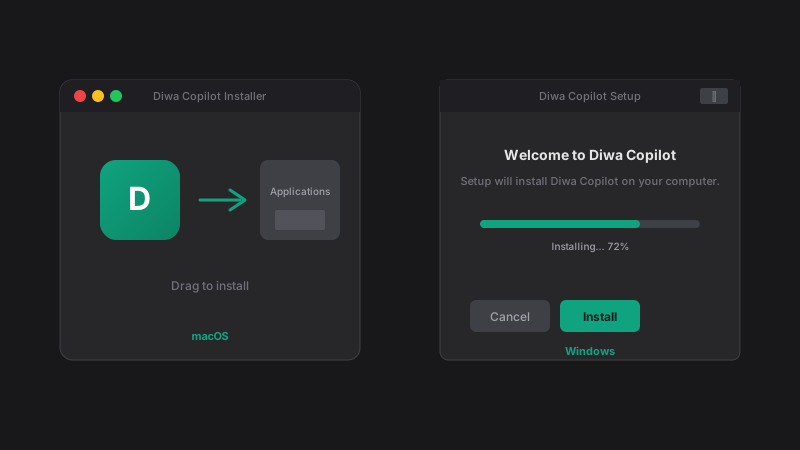
We're in early Beta without code-signing certificates yet.
macOS: Right-click → Open.
Windows: Click "More Info" → Run Anyway.
Yes. Your key stays encrypted on your device via OS Keychain and goes directly to OpenAI. We have no servers—nothing to leak.
macOS needs this permission for native system audio capture. No BlackHole or virtual cables required. Relaunch Diwa after enabling.
Native WASAPI loopback—just click "Start Capture." No screen picker, no setup.
Free during Beta (until May 1, 2026). You pay only OpenAI API usage—usually pennies per interview.
Get the free Beta. Bring your OpenAI API key. Own the interview.
For your safety, download only from this website. Third-party sources may be unsafe.
v1.7.0 · Requires OpenAI API key · 50 downloads